Social Media Proxy
Power Global Social Media Campaigns with Stable Proxy Networks
- 55M+ Clean, Ethically Sourced Residential IPs for Social Media

- Unlimited Bandwidth for High-Volume Account Management
- Fast, Private, Geo-Targeted IPs for Social Media Campaigns
- Affordable Pricing for Ads, DMs, Automation, and Scraping






Why use Social Media Proxies
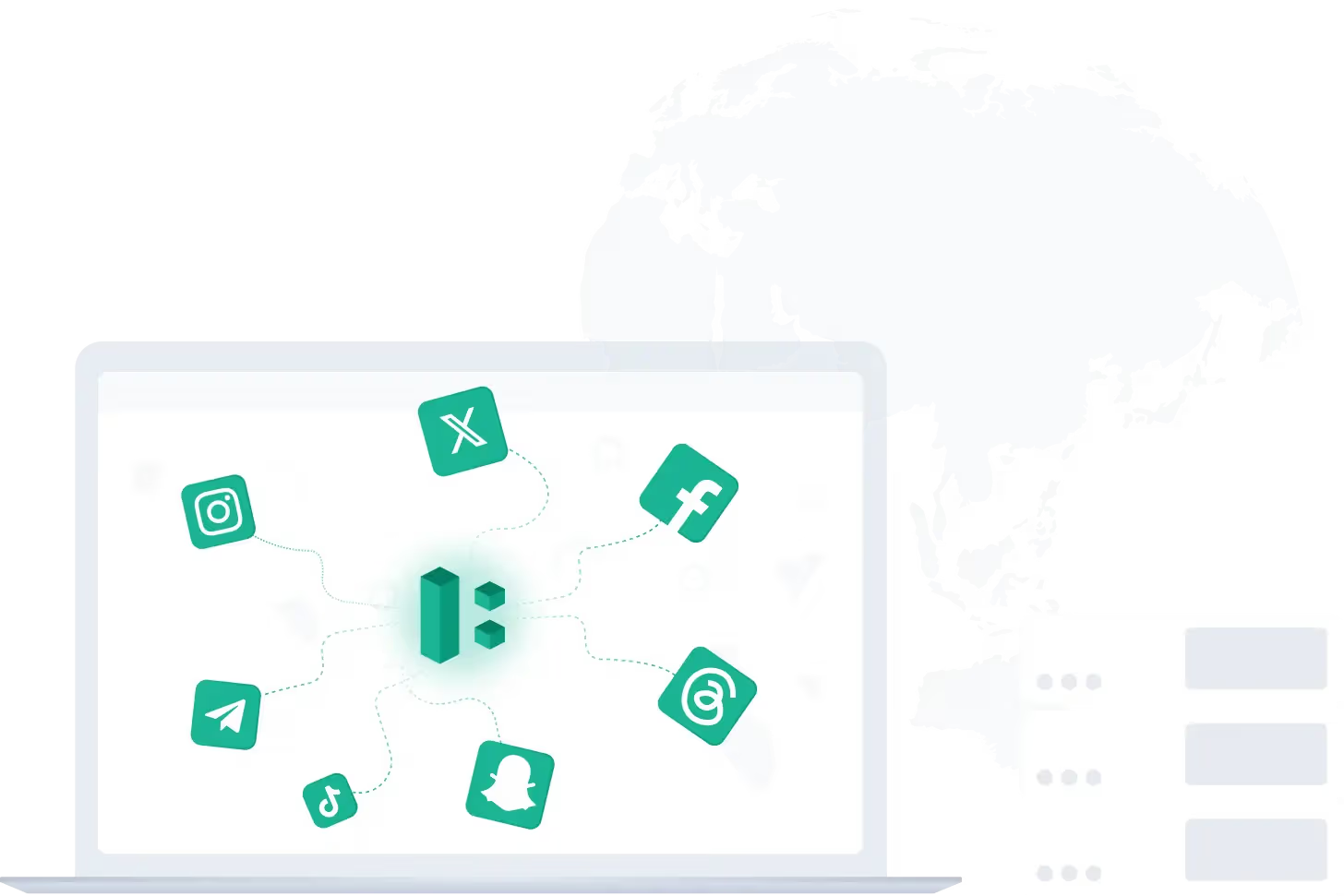
Social media growth and data collection can run into account linkage, access limits, and platform restrictions when too much activity is tied to one IP. A social media proxy routes your traffic through a different IP and location instead of your own, which helps keep access more stable across different markets. Different proxy types are also optimized for different social media use cases.
To manage multiple accounts, send DMs, and run ad campaigns, static residential IPs are often preferred because they provide a stable, private connection. For automation, scraping, and cross-regional testing, rotating residential IPs are usually a better fit because they use real-user IPs and are less likely to hit blocks.
How Social Media Proxies Work
Manage Multiple Social Media Accounts
Managing multiple Facebook accounts, sending DMs, and running ad accounts requires reliable IP diversity. Social media proxies help reduce detection risk and keep account operations more stable.
👉 Use IPcook’s static residential proxies to keep each account on a private, consistent IP for smoother management.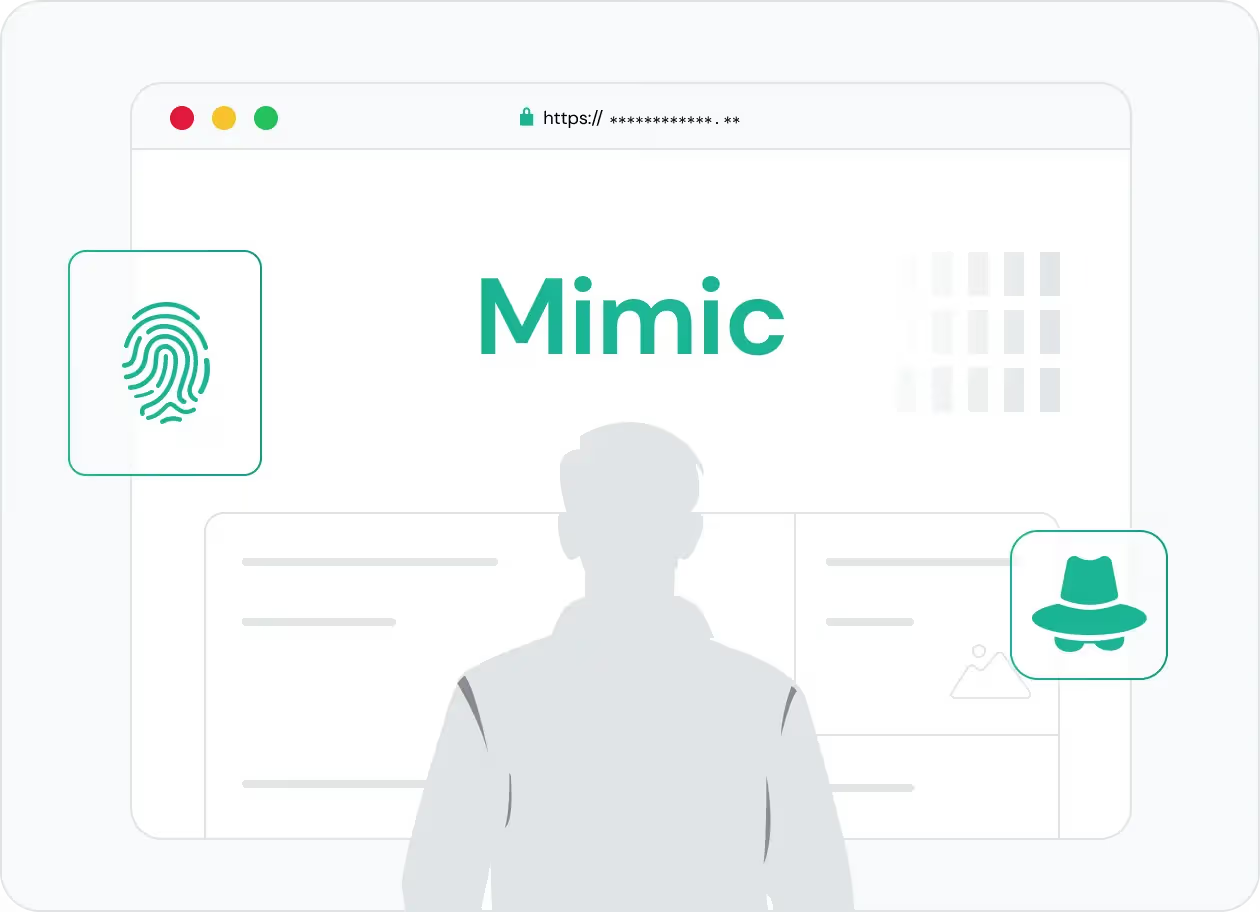
Run Social Media Ad Campaigns Globally
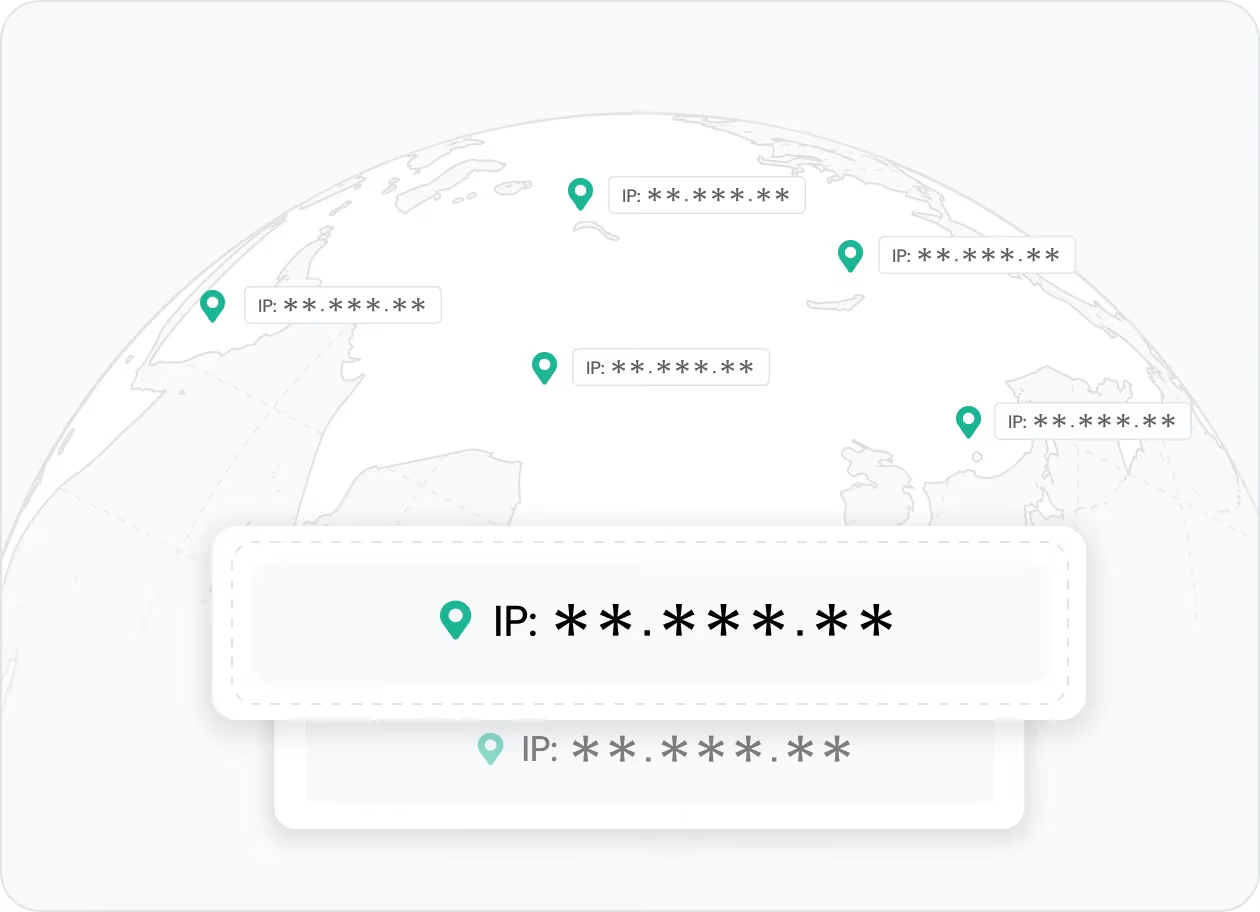
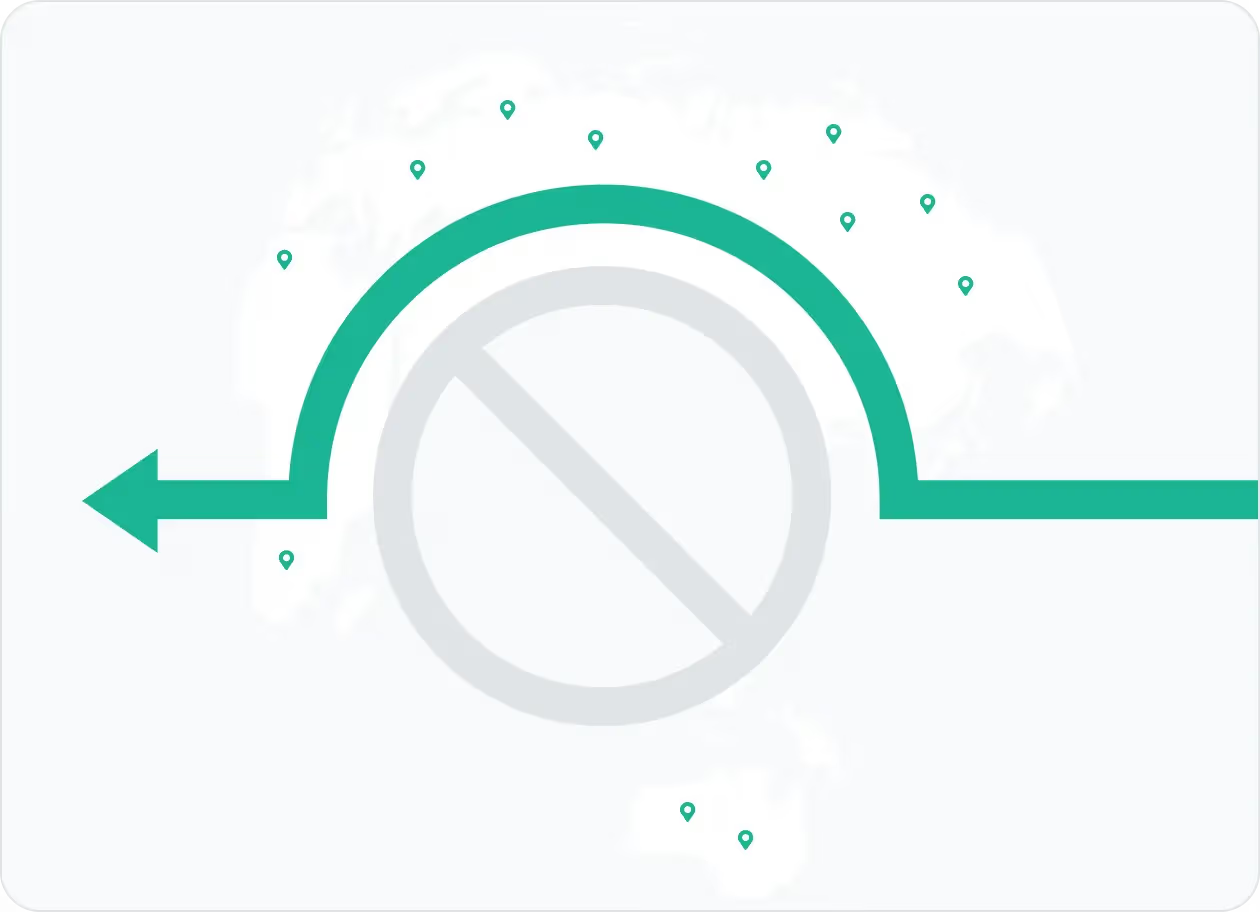
Ad delivery, creatives, and search results often vary by country. Social media proxies let you bypass geo-restrictions and access region-specific insights, ads, and trends across different markets. Businesses and influencers use YouTube or TikTok proxies to run campaigns in multiple countries.
👉 IPcook offers geo-targeting across global markets like the US, UK, CA, and JP, so you can manage campaigns anywhere.
Boost Social Media Automation
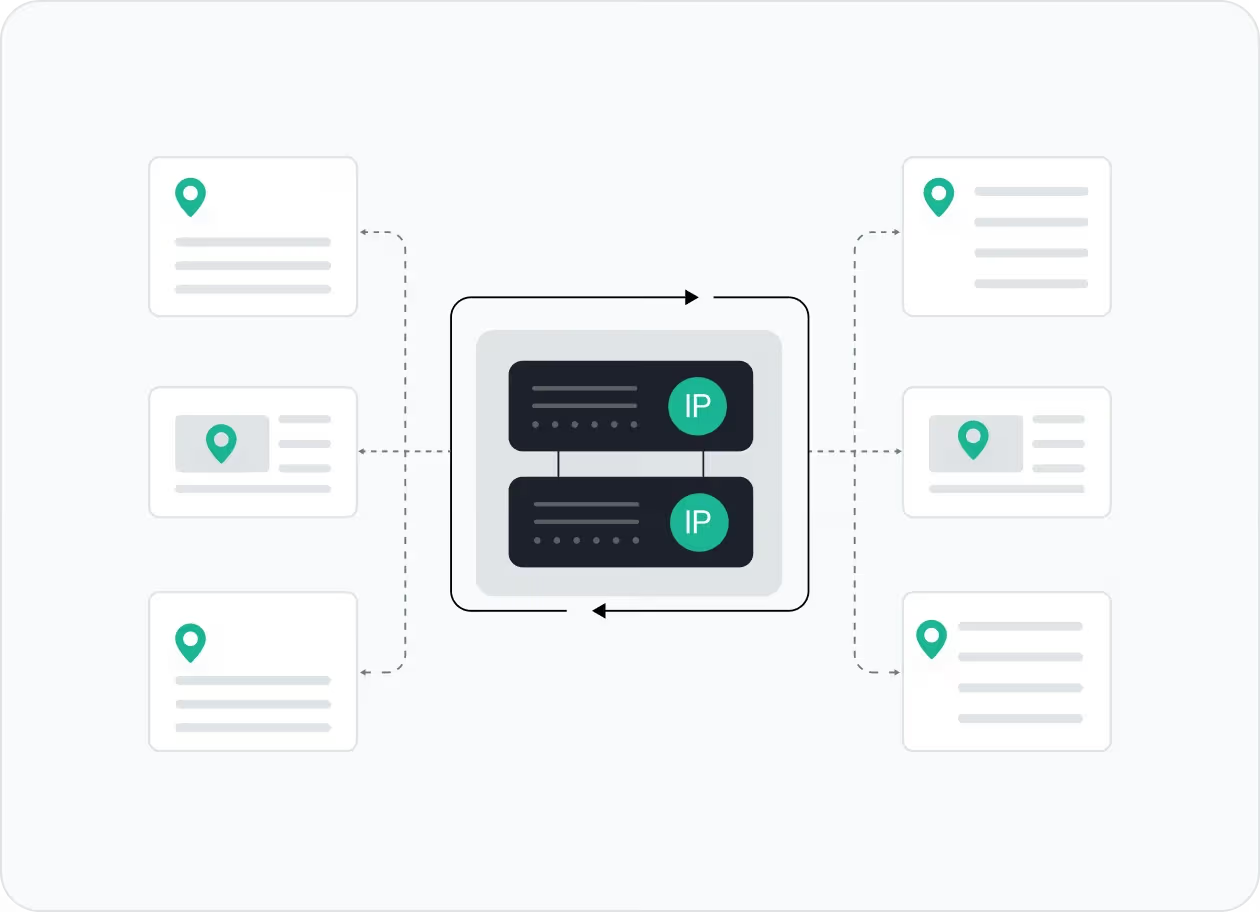
Social media platforms are strict about automation bots. Social media proxies hide your IP address and location, helping automation run with fewer flags and interruptions.
👉 With IPcook’s rotating residential proxies, you get stable connections that blend more naturally with organic traffic.
Scrape Public Social Media Data
Large-scale scraping can quickly run into rate limits and IP blocks. Proxies spread requests through real residential IPs, making it easier to collect public data and insights from platforms like Facebook, Twitter, Instagram and more.
👉 IPcook’s 55M+ clean residential IP pool helps you collect data more safely with fewer interruptions.
How IPcook's Social Media Proxies Stand Out
- Fonctionnalité
- Real Residential IPs
- Global Pool Size
- Rotation Control
- Uptime
- Setup Time
- Support
- IPcook
- Yes
- 55M+ IPs
- Sticky/rotating
- 99.99%
- < 5 mins
- 24/7 Human Support
- Autres
- Mixed sources
- Limited in scope
- Often limited
- Varies
- Complex setups
- Chatbots or email delays
Buy Social Media Proxies with Pay-As-You-Go Pricing


How to Set Up Your Social Media Proxies
- 1
Customize Your Proxy Parameters
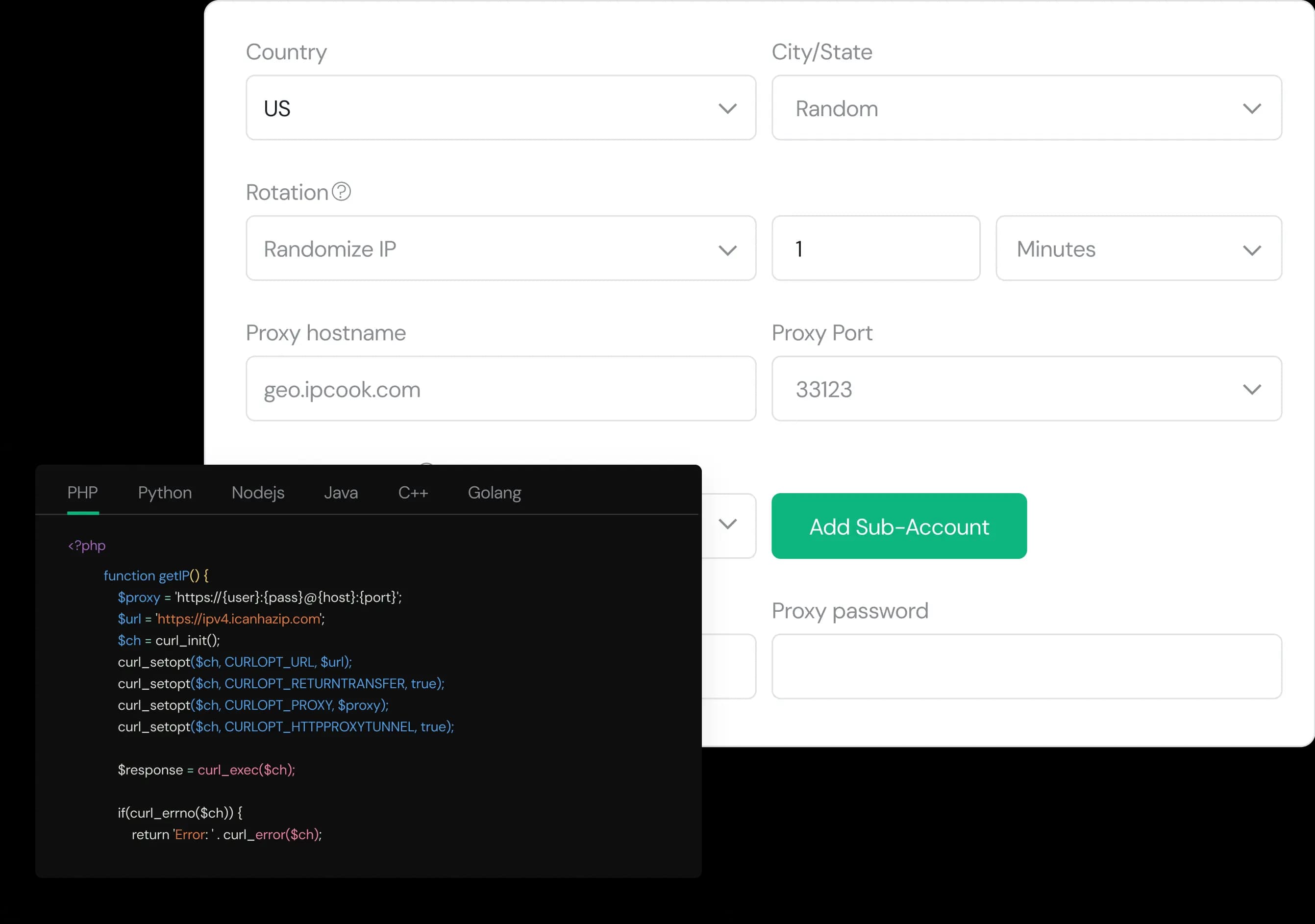
Configure your proxy by selecting the country, city, protocol, and rotation type, then assign a sub-account, set login credentials, and optionally add whitelisted IPs.
- 2
Generate Proxies Instantly
Select the desired proxy format (e.g., host:port:user:pass) and quantity, then generate your proxy list by clicking Generate or Generate API Link.
- 3
Plug into Your Stack in Minutes
Copy the code snippet for your preferred language (Python, Node.js, PHP, Java, Golang, or C++), then paste it into your application to start using the proxies.